How to Place an Order on Vhagar Market
Ordering on Vhagar follows the standard darknet market flow, refined by the market's escrow-first design. The whole process — from finding a listing to releasing payment — happens inside your account, with PGP protecting the sensitive parts. This guide covers each stage in order.
Finding Products
1. Browse and Research
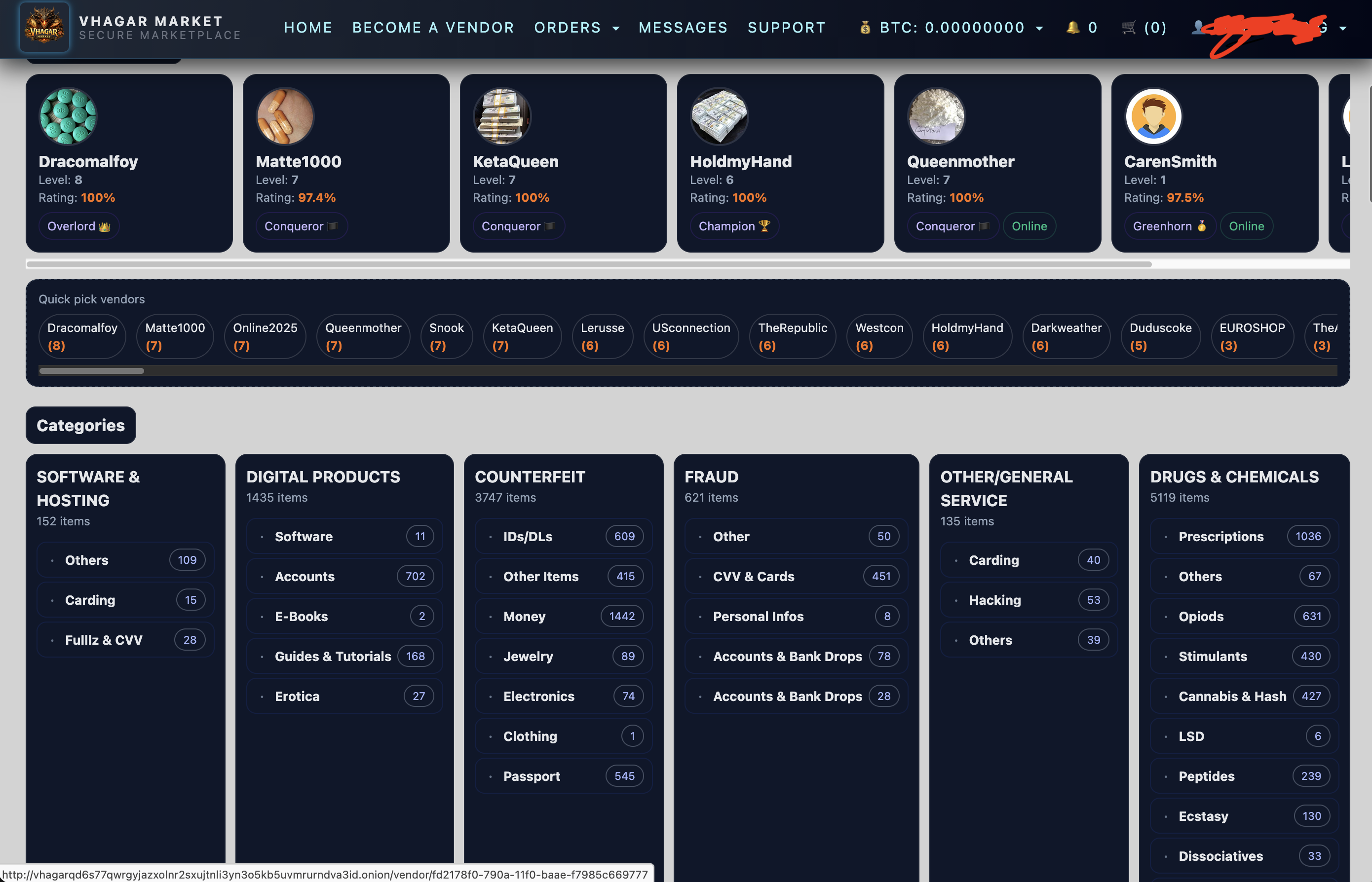
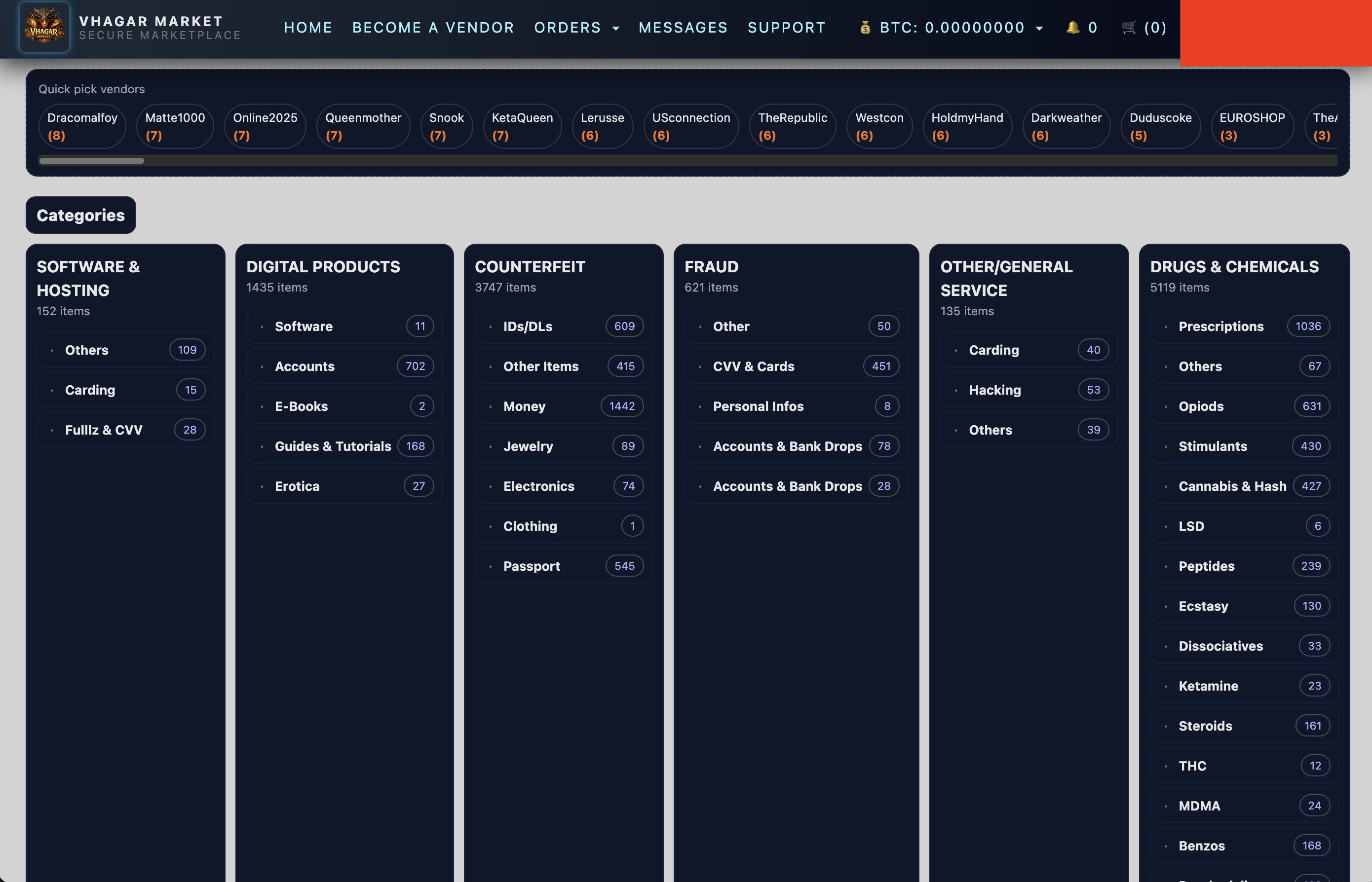
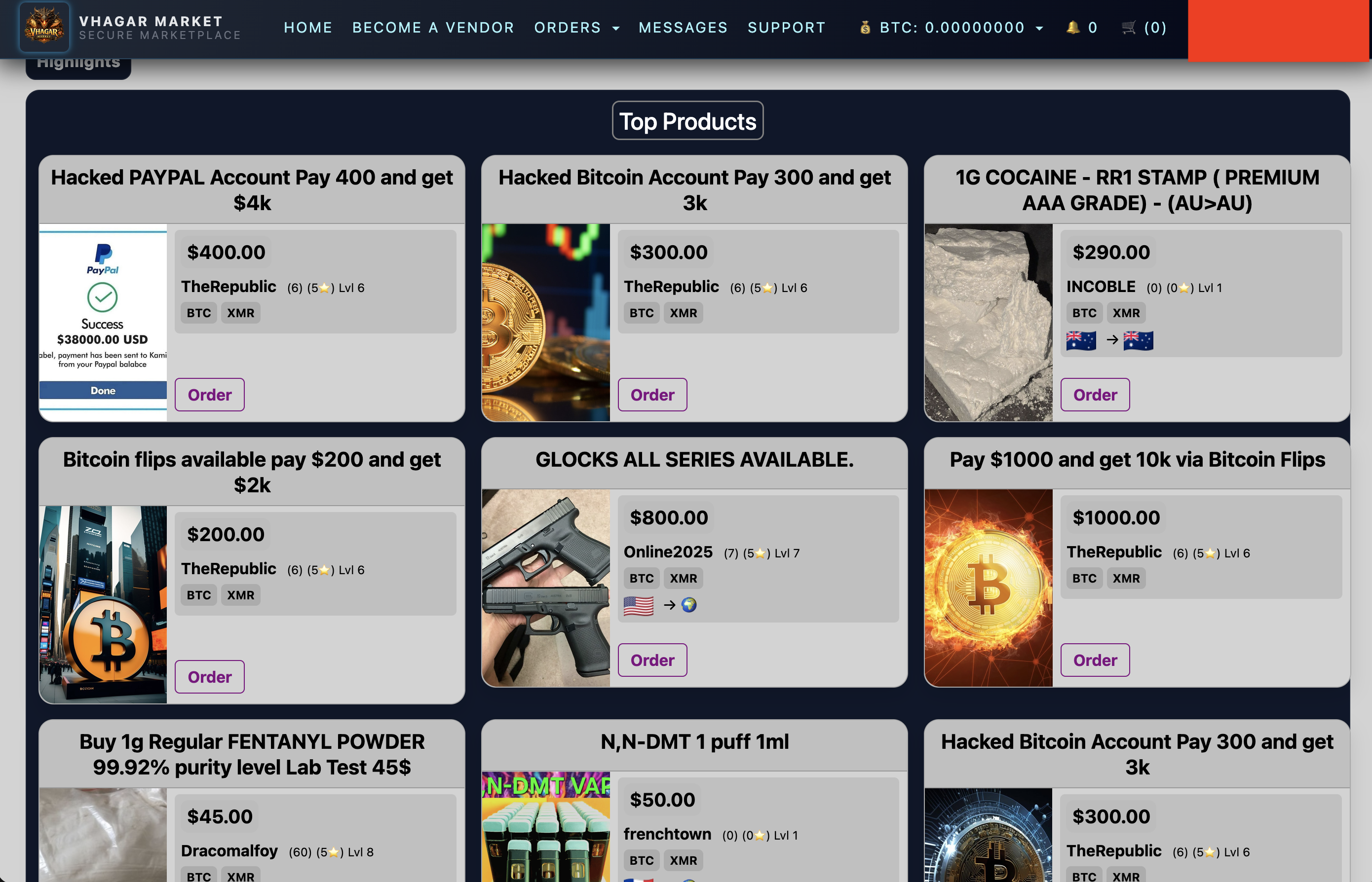
Use the market's search and category filters to find listings. Before committing to any vendor, check their profile: feedback score, account age, number of completed orders, and whether they require PGP-encrypted communication. Established vendors with hundreds of positive reviews are statistically safer than brand-new accounts with perfect scores — new accounts are easier to scam with.
2. Read the Listing Carefully
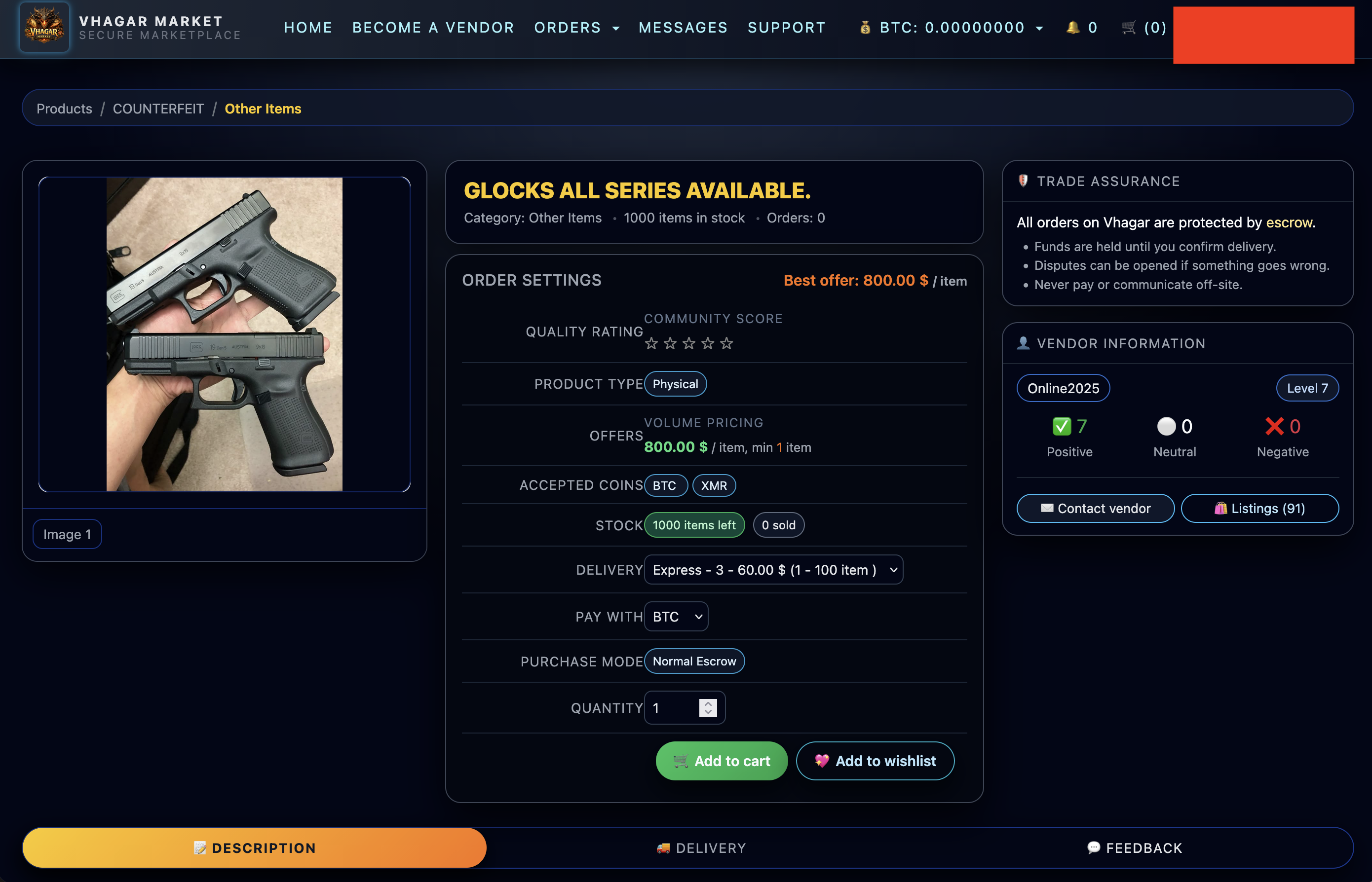
Listings contain the details that prevent disputes: exact quantity, strain/variant, shipping origin and estimated time, accepted payment methods, and the vendor's escrow terms. If something is ambiguous — dosage, stealth method, reship policy — message the vendor before ordering.
3. Message the Vendor (PGP Encrypted)
Most vendors require PGP-encrypted messages for order questions and shipping details. Use the market's built-in messaging or the vendor's stated contact method — but always encrypt. See our PGP guide for setup. Confirm quantity, total price, shipping cost, and estimated dispatch time in writing.
4. Cart & Checkout
Adding a product takes you to the cart page, where you review quantities, options, and shipping before proceeding. The checkout confirmation screen shows the final order total — product price, shipping, and fees — before you commit to payment.
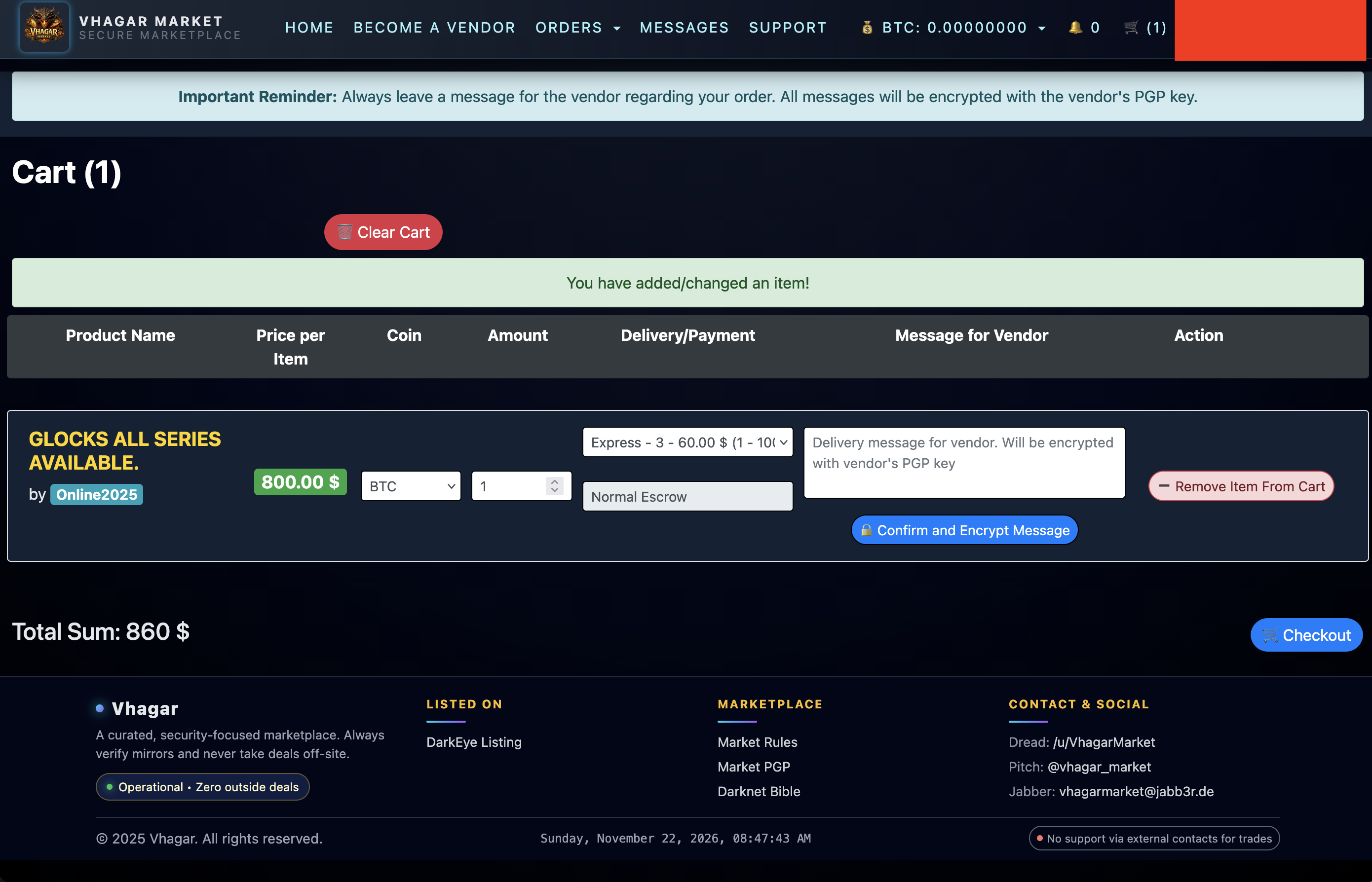
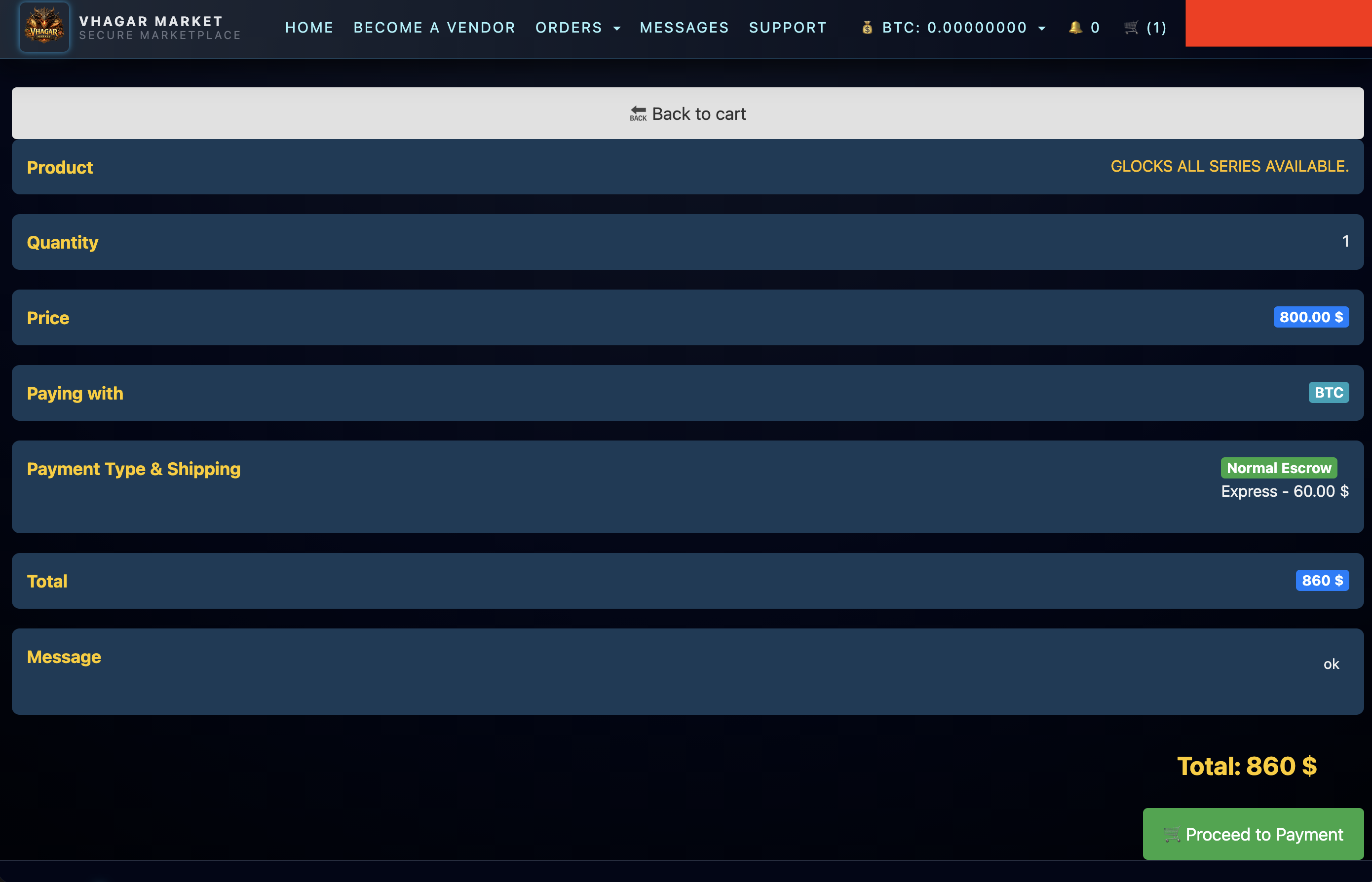
Select your quantity, choose shipping options if offered, and proceed to checkout. At checkout you'll see the order total and the escrow deposit address. The market generates a unique deposit address per order — funds sent here go into multi-signature escrow, not directly to the vendor.
5. Fund the Escrow
Send the exact amount shown, in the currency specified (BTC or XMR). Use the order's unique address — never reuse deposit addresses, and never send from an exchange withdrawal directly tied to your identity if you can avoid it. Most markets require 1–3 confirmations before the order activates; XMR typically needs fewer blocks. Watch for the "order paid / processing" status before assuming the vendor has been notified.
6. Vendor Ships
Once payment confirms, the vendor prepares and ships your order — typically 1–5 days depending on their queue. You'll receive tracking or a shipping notification through the market's messaging. Physical shipments are stealth-packed; digital goods arrive via encrypted message or download link.
7. Confirm Delivery and Finalize
When your order arrives, verify it matches what you ordered. Then finalize the order on the market — this releases escrow funds to the vendor. Finalizing is a deliberate action; don't rush it before inspecting the product. If something is wrong, open a dispute before finalizing — after finalization, escrow is gone.
8. Leave Feedback
Feedback is the market's immune system. Honest reviews — positive and negative — keep vendors accountable and help other buyers. Take thirty seconds to rate your experience accurately.
Disputes
If the product never arrives, arrives wrong, or the vendor goes silent, open a dispute through the order page. Provide evidence — tracking info, photos, message logs. Vhagar's escrow system holds funds until the dispute resolves, which is the entire point of escrow. Don't take disputes to off-platform channels; the market can't help you there.