How to Register a Vhagar Market Account
Registration on Vhagar Market is deliberately lightweight — no email, no phone number, no identity documents. You create a username, password, PIN, and PGP key, and you're inside. That simplicity is the point: the market's anonymity model depends on collecting as little as possible.
That said, the details you choose at registration become the foundation of your entire market identity. Get them wrong once and recovery is painful or impossible. This guide walks through each step properly.
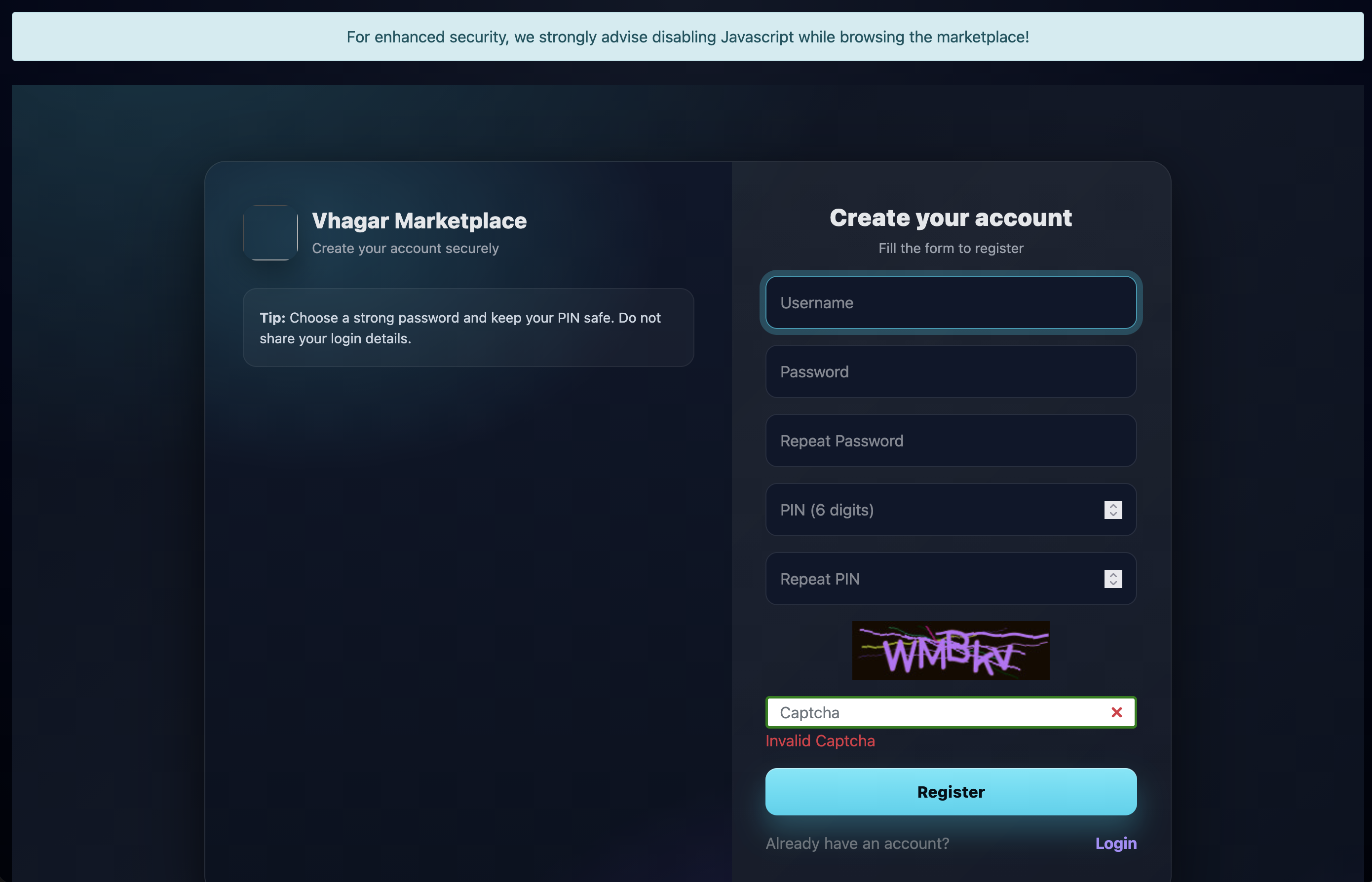
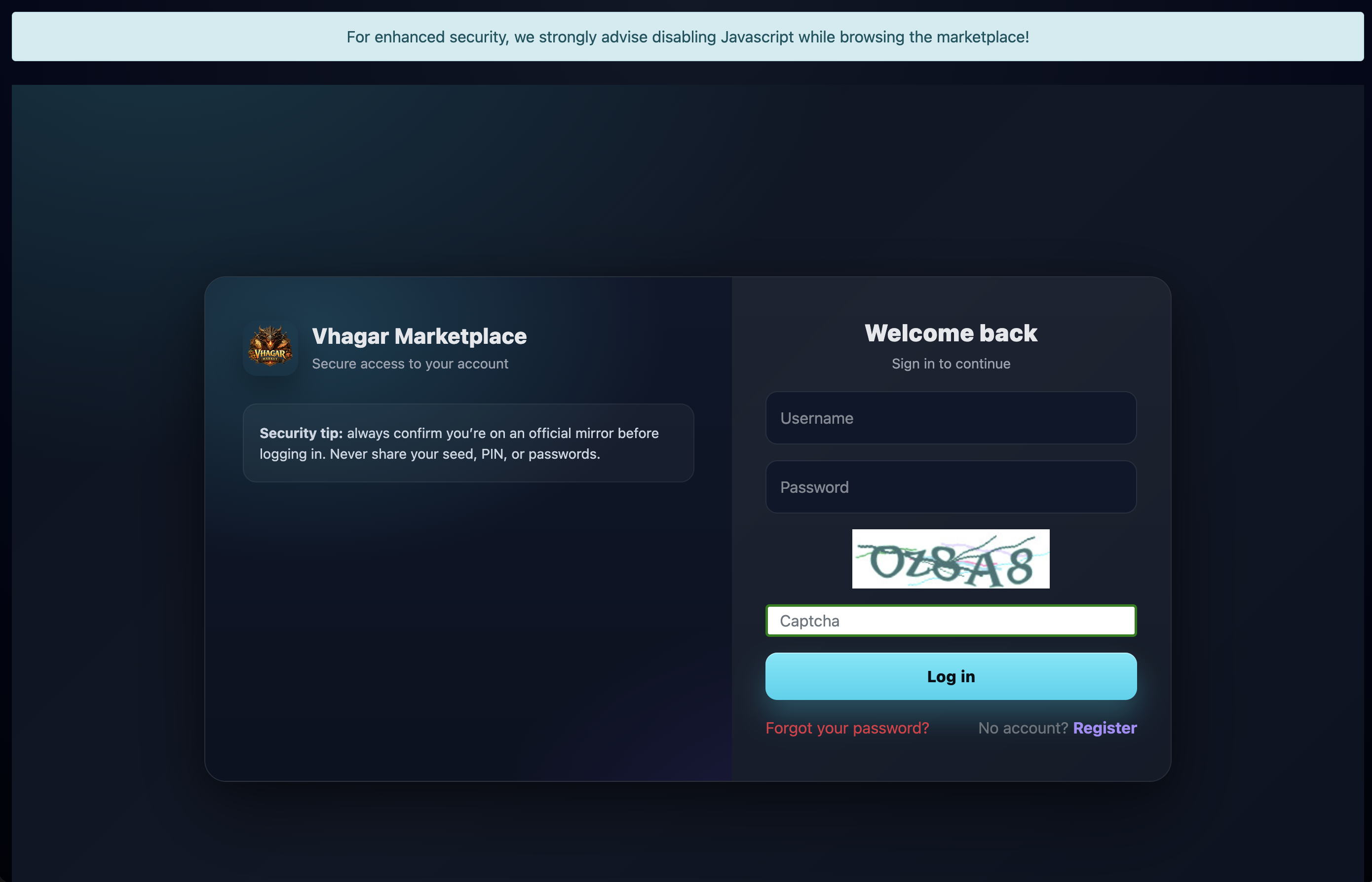
What Registration Looks Like
Before You Start
Use Tor Browser at Safest security level
JavaScript off where possible, no extensions beyond what's needed. Your browser is your first defense — treat it accordingly.
Verify the onion address twice
Check the mirror against at least two independent directories. Phishing clones of popular markets are the #1 account-theft vector.
Decide your username carefully
It becomes permanent. Choose something that doesn't link to any real identity, existing handle, or pattern you use elsewhere.
Step-by-Step Registration
Open the registration page
From the verified .onion address, navigate to the register/signup page. The market presents a simple form — no CAPTCHA walls on the real site.
Choose your username
3–20 characters typically. Avoid real names, birthdays, handles used on clearnet services, or anything personally meaningful. A random word plus numbers works well.
Set a strong password
Long, random, unique — never reused anywhere. A password manager inside your threat model, or a written passphrase stored separately from the device, both work.
Set your PIN
The PIN is a second factor used for sensitive actions like withdrawals and settings changes. Make it different from your password and don't write it next to it.
Generate or paste your PGP public key
Vhagar requires PGP for account security. Generate a keypair before registering (see our PGP guide) or paste an existing public key. This key encrypts vendor communications and verifies messages genuinely from the market.
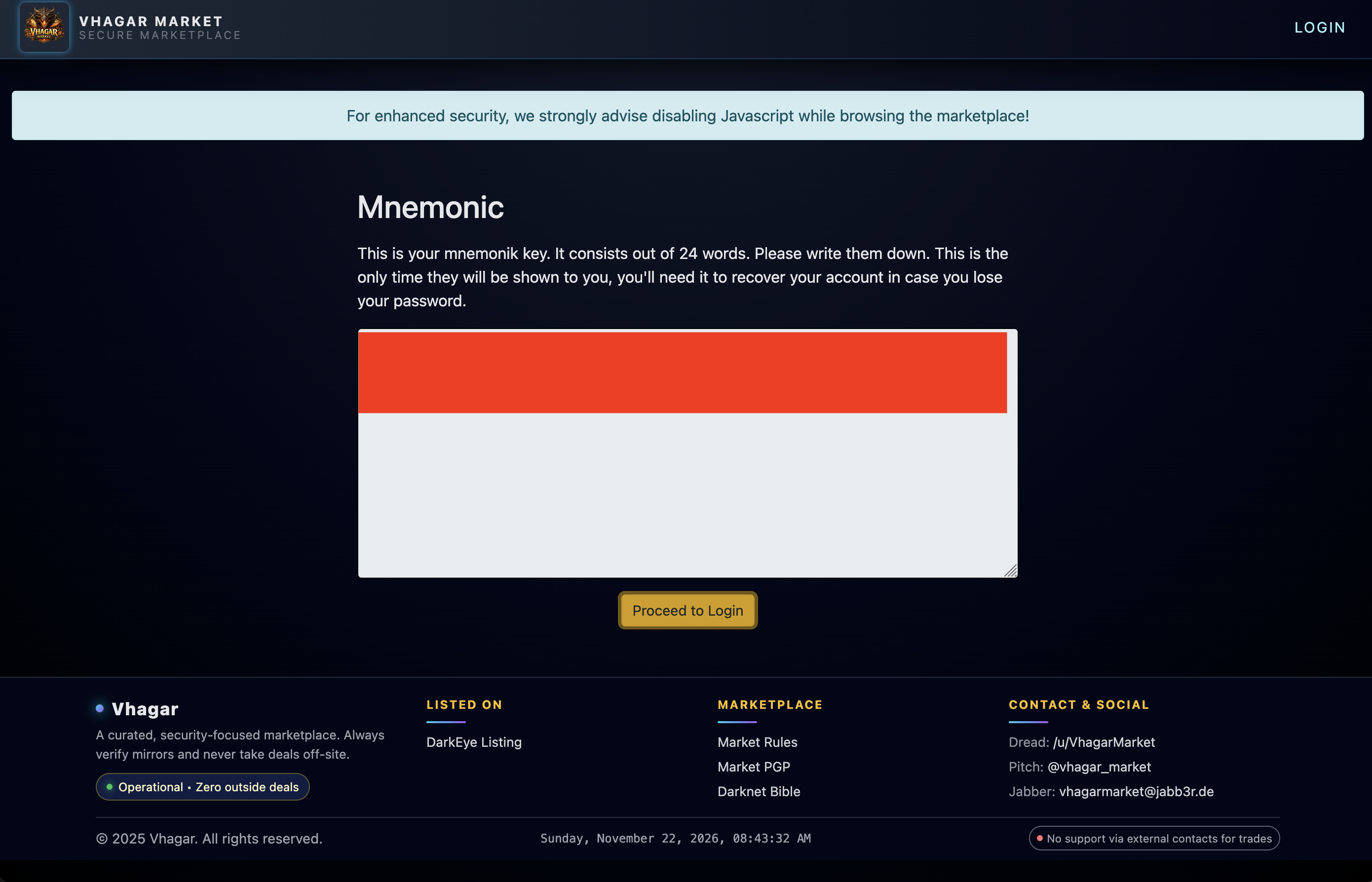
Save your recovery mnemonic
During registration the market displays a mnemonic phrase — a sequence of words that can recover your account. Write it down on paper and store it somewhere safe and offline. This is shown once; lose it and account recovery becomes impossible.
Complete registration and log the details
Store username, password, PIN, mnemonic, and your PGP private key backup in a secure offline location. Screenshotting credentials to a synced device defeats the purpose — memorize or store on paper.
Common Mistakes
After Registration
Before funding your account, browse the market's rules and FAQ pages, check the vendor categories, and read a few vendor profiles and feedback. Understanding the market's norms — shipping times, dispute windows, accepted payment confirmations — prevents costly mistakes on your first transaction.